Managing access for a distributed team requires a strategic approach that balances usability with ironclad protection. As organizations embrace flexible work models, securing sensitive data and systems becomes paramount. The following guidance outlines comprehensive measures to ensure your remote workforce operates within a robust security framework.
Understanding the Threat Landscape
Before deploying any solution, decision makers must recognize the evolving list of risks facing remote employees. Cyber adversaries constantly refine their tactics to exploit weak spots in home networks, personal devices, and unsecured communication channels. Failure to assess these hazards can result in data breaches, financial losses, and reputational damage.
- Phishing campaigns often target remote staff, tricking them into revealing credentials or clicking malicious links.
- Unpatched operating systems and outdated software leave endpoints vulnerable to known exploits.
- Weak or reused passwords undermine perimeter defenses and grant unauthorized intrusions.
- Shadow IT solutions—applications used without IT approval—introduce uncontrolled access points.
Conduct regular risk assessments to identify gaps, then prioritize remediation based on potential impact. Align these findings with your organization’s broader policy framework to maintain consistency and accountability.
Implementing Strong Authentication and Authorization
Authentication is the frontline defense in any access management strategy. Relying on single-factor authentication (SFA) is no longer sufficient in a world of sophisticated threats. Instead, adopt multi-factor authentication (MFA) to verify user identity through two or more independent credentials.
- Something you know (password or PIN)
- Something you have (smartphone authenticator app or hardware token)
- Something you are (biometric factor such as fingerprint or facial recognition)
MFA can reduce the risk of credential theft by more than 90%. Complement this with role-based access controls (RBAC) to ensure employees can only reach the specific data and applications they need. Clearly define roles and maintain an approved list of privileges, adjusting permissions whenever team members switch positions or leave the company.
Encryption and Secure Connectivity
Securing the communication channel is equally vital. Encryption prevents eavesdroppers from intercepting sensitive information as data travels across public networks.
VPN and Zero Trust Solutions
- Deploy a corporate-grade VPN with strong encryption ciphers (such as AES-256) to tunnel remote access traffic.
- Consider a Zero Trust architecture, where every request is verified regardless of origin, continuously validating trust before granting access.
Endpoint Encryption
Enable full-disk encryption on all devices used by remote employees—laptops, tablets, and even smartphones—so that if a device is lost or stolen, data remains unintelligible without the proper decryption key.
- Implement file-level encryption for highly sensitive documents stored locally.
- Use encrypted containers to isolate corporate data from personal files on Bring Your Own Device (BYOD) setups.
Policy Development, Training, and Monitoring
An effective strategy combines technical controls with clear policy guidelines and ongoing education. Employees are the first line of defense and must be equipped to recognize and respond to threats.
Security Policies and Procedures
- Draft a comprehensive Remote Access Policy that covers device standards, network requirements, and incident reporting.
- Define acceptable use rules for corporate accounts, file sharing, and collaboration tools.
- Enforce a patch management policy stipulating regular updates for operating systems, antivirus, and critical applications.
Training and Awareness
- Conduct mandatory security awareness training sessions every quarter, focusing on the latest social engineering tactics.
- Distribute simulated phishing exercises to test employee vigilance and reinforce best practices.
- Encourage staff to report suspicious activity without fear of reprisal, fostering a proactive security culture.
Continuous Monitoring and Incident Response
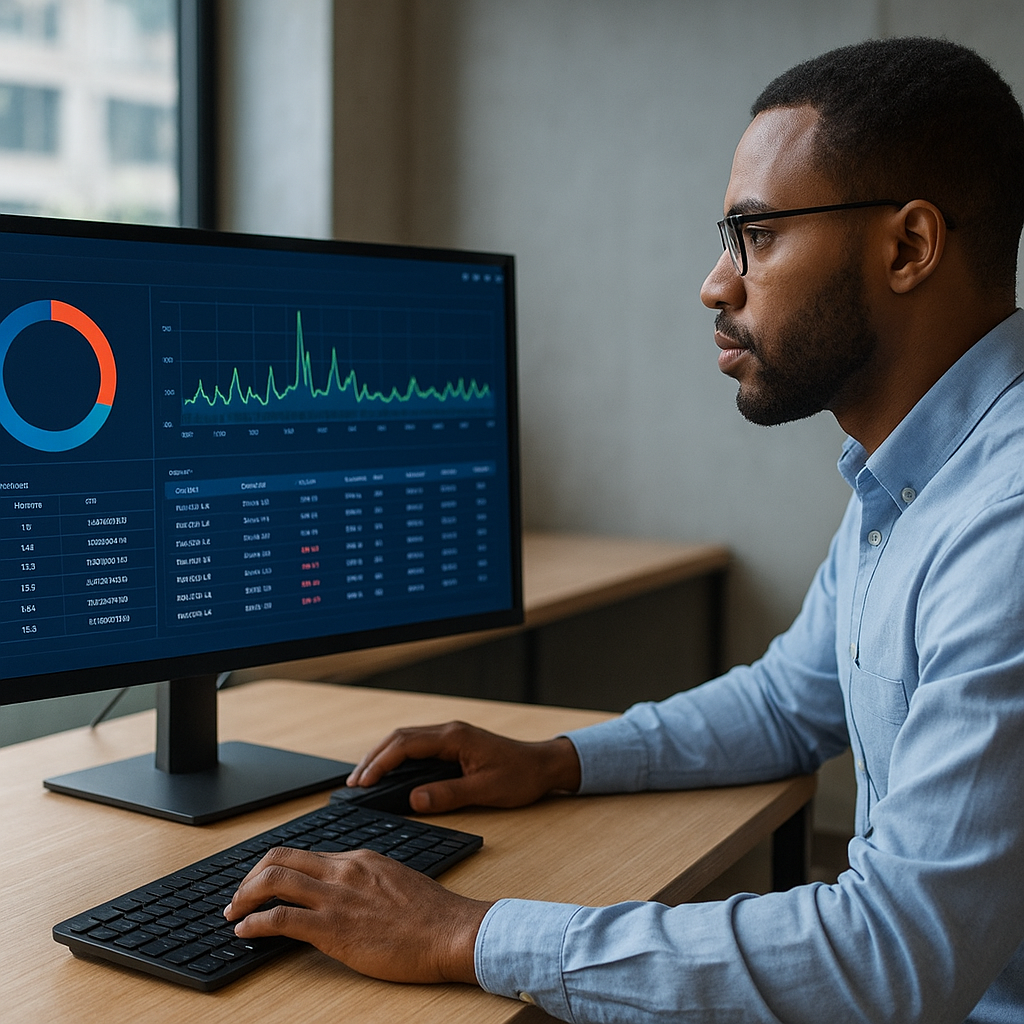
Implement real-time monitoring of remote connections and user behavior analytics (UBA) to detect anomalies such as login attempts from unusual locations or times. Integrate a Security Information and Event Management (SIEM) system to aggregate logs and provide actionable alerts.
- Create a dedicated incident response team with clear escalation pathways.
- Document incident scenarios and conduct drills to validate the effectiveness of your response plan.
- Review and update response protocols following any security event to drive continuous improvement.
Maintaining Compliance and Auditing
Many industries are bound by regulatory requirements—such as GDPR, HIPAA, or PCI DSS—that mandate stringent access controls and data protection measures. Ensuring compliance not only avoids hefty fines but also strengthens customer trust.
- Map your access management processes to relevant control frameworks.
- Perform regular internal audits to verify adherence to both organizational policies and external regulations.
- Engage third-party assessors for unbiased reviews and penetration testing exercises.
Establish a cadence for policy reviews in line with regulatory updates. By proactively addressing compliance, you safeguard your business against evolving legal obligations.
Leveraging Advanced Technologies
To stay ahead of sophisticated attacks, consider integrating next-generation solutions that enhance protection without impeding workflow efficiency.
- AI-driven threat detection platforms that identify patterns and predict emerging risks.
- Cloud Access Security Brokers (CASBs) to enforce security policies across multiple cloud services.
- Identity and Access Management (IAM) tools that centralize user provisioning and de-provisioning workflows.
- Privileged Access Management (PAM) systems to control elevated account usage and session recordings.
By harnessing these technologies, you can automate routine tasks, reduce human error, and maintain a dynamic security posture tailored to your remote workforce’s needs.