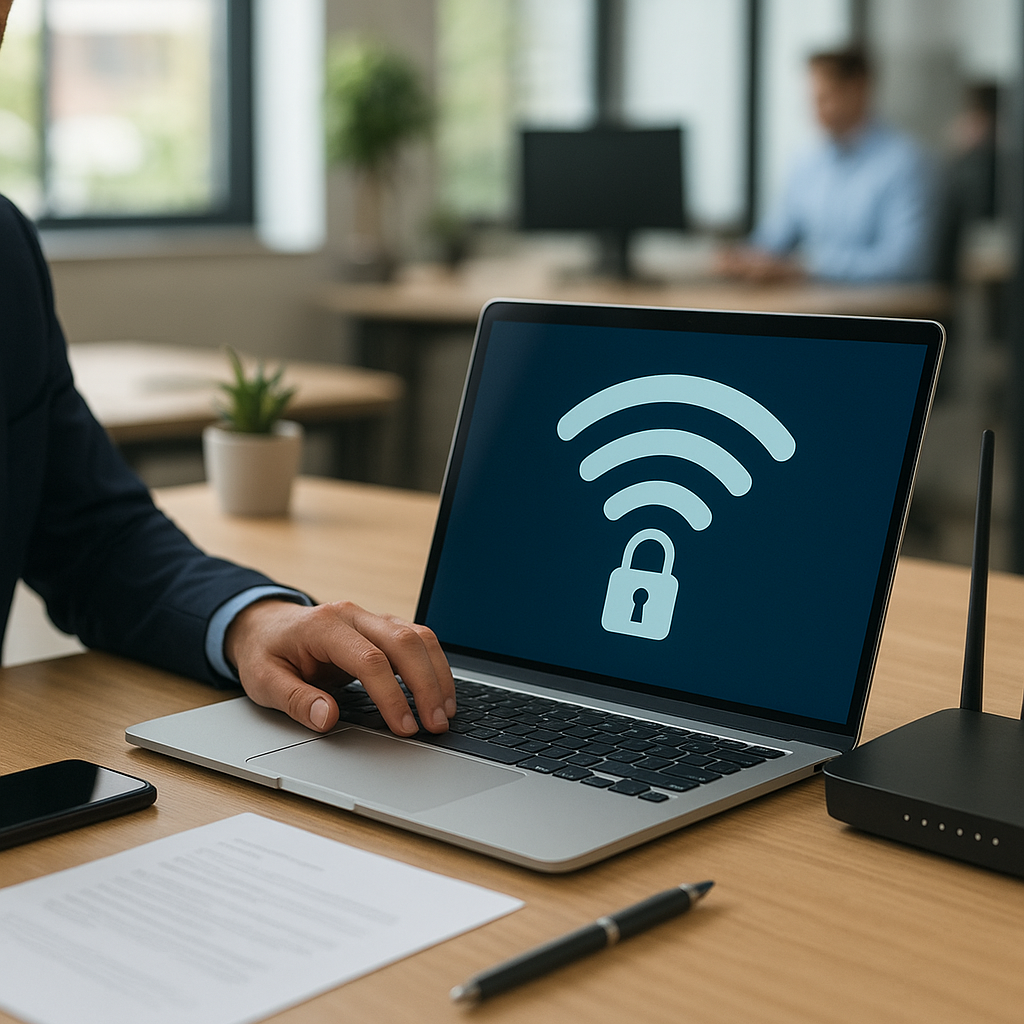
Securing a workplace Wi-Fi network is a critical component of any corporate security strategy. A well-protected wireless environment not only prevents unauthorized access but also defends against data breaches, malware infiltration, and potential downtime. By combining robust technical measures with clear organizational policies, businesses can safeguard sensitive information, maintain regulatory compliance, and build a trustworthy network infrastructure.
Network Authentication and Encryption
Choose Strong Encryption Standards
Selecting the right encryption protocol is the first line of defense. Outdated standards like WEP can be cracked within minutes, exposing confidential data. Opt for WPA2 or, preferably, WPA3 wherever possible. WPA3 offers enhanced protection through individualized data encryption and stronger key exchange mechanisms, making brute-force attacks far more difficult.
- Enable WPA3-Enterprise for advanced encryption and better protection against password guessing.
- Disable legacy protocols (WEP, WPA, WPA2-TKIP) to eliminate vulnerable fallback options.
- Use AES-based encryption suites; AES-CCMP is the industry benchmark for confidentiality and integrity.
Implement 802.1X Authentication
802.1X introduces a robust framework for access control, leveraging an external authentication server—typically RADIUS. This approach ensures each endpoint must authenticate using unique credentials before gaining network access.
- Deploy a RADIUS server (e.g., FreeRADIUS, Microsoft NPS) to centralize authentication and authorization.
- Issue digital certificates to devices for certificate-based authentication, which is more secure than pre-shared keys.
- Implement EAP-TLS (Extensible Authentication Protocol-Transport Layer Security) to protect credentials over the air.
Secure Configuration and Segmentation
Configure Routers and Access Points
Properly configuring wireless hardware is vital. Factory-default settings are often insecure, leaving the network susceptible to intrusion. Follow these best practices:
- Change the default administrator password to a strong, unique passphrase.
- Disable WPS (Wi-Fi Protected Setup), which can be exploited to gain access without knowing the main password.
- Hide or obfuscate the SSID to reduce visibility to casual attackers, though this is not a substitute for proper encryption.
- Restrict management access (SSH, HTTP/HTTPS) to a designated VLAN or wired interface only.
Network Segmentation
Segmenting your network limits the impact of a compromised device. By creating multiple logical networks (VLANs), you can isolate guest traffic from critical corporate systems, reducing the risk of lateral movement by an adversary.
- Design a dedicated guest VLAN with internet-only access and bandwidth restrictions.
- Place IoT devices on their own segment, applying strict firewall rules to prevent them from reaching sensitive resources.
- Enforce inter-VLAN firewall policies to control traffic flow between segments, only allowing necessary protocols and ports.
Monitoring and Maintenance
Continuous Monitoring
Real-time vigilance is key to detecting and responding to network anomalies. Implement a combination of network and security monitoring solutions:
- Use a wireless intrusion detection system (WIDS) to identify rogue access points, sniffers, and suspicious associations.
- Collect logs from access points, controllers, and RADIUS servers; correlate events to spot unusual patterns of connection or authentication failures.
- Deploy centralized security information and event management (SIEM) to aggregate and analyze security data across the enterprise.
Firmware Updates and Patching
Outdated firmware often contains known vulnerabilities that attackers can exploit. Establish a rigorous patch management process:
- Subscribe to vendor security advisories and regularly check for firmware updates.
- Schedule maintenance windows to apply patches with minimal impact on business operations.
- Test updates in a lab environment before deploying to production to mitigate the risk of unforeseen compatibility issues.
Employee Awareness and Policies
Training Programs
Human error remains one of the biggest security risks. Equip employees with the knowledge to recognize and avoid common threats:
- Conduct regular workshops on identifying phishing attempts, social engineering tactics, and insecure public Wi-Fi usage.
- Distribute clear guidelines on selecting strong passphrases and safeguarding authentication tokens or certificates.
- Offer simulated incident drills to practice response procedures in case of a suspected network compromise.
Acceptable Use Policies
Formalizing policy ensures everyone understands the rules governing network usage. A comprehensive acceptable use policy should cover:
- Permitted and prohibited devices, applications, and services on the corporate Wi-Fi.
- Procedures for onboarding new devices, including mandatory security configurations and approvals.
- Consequences of policy violations to encourage compliance and accountability.
Physical and Guest Access Controls
Secure Hardware Placement
Even the most secure wireless configuration can be undermined if an attacker gains physical access to network devices. Implement these safeguards:
- Position access points high on walls or ceilings, out of easy reach and away from exterior walls.
- Lock network closets and equipment rooms, restricting entry to authorized personnel only.
- Label and track every device, maintaining an inventory of serial numbers and installation locations.
Guest Network Management
Providing visitor internet access without compromising the corporate network requires diligent controls:
- Implement a captive portal that presents terms of service and registers user details before granting connectivity.
- Issue time-limited credentials or vouchers to limit the duration of guest access automatically.
- Monitor guest traffic for unusual patterns, such as large data transfers or attempts to scan internal IP ranges.